

Download Free VPN Proxy – free vpn, unblock websites, anonymous browsing, secure internet, unlimited bandwidth, bypass firewall, online privacy, super vpn
Overview
Free VPN Proxy, developed by Super VPN, is a desktop and mobile application designed to enhance online privacy and accessibility. The software enables users to browse the internet securely and anonymously by routing their connection through a virtual private network (VPN). This functionality helps conceal the user’s true geographic location, making it more difficult for websites and online services to track digital activity based on IP address. The tool is particularly useful for individuals seeking to protect their identity while accessing content restricted by regional censorship or institutional firewalls.
Target users include general consumers, students, and professionals who require unrestricted access to global content. Common use cases involve accessing blocked websites at schools or workplaces, circumventing internet restrictions in certain countries, and maintaining privacy during sensitive online activities. The software supports multiple platforms, including Windows, Mac, Android, and iOS, making it accessible across a broad range of devices. It operates without requiring user registration or login, which simplifies the onboarding process for casual users.
The developer did not provide additional details about the company’s background or development philosophy. No performance benchmarks or user statistics were included in the official release notes. However, the application claims to offer unlimited bandwidth and access to over 5,000 servers across more than 20 global regions, which suggests a scalable infrastructure for global connectivity.
Key Features & Capabilities
- Anonymous Browsing: Masks the user’s real IP address, replacing it with one from a chosen server location to prevent tracking and maintain privacy.
- Unlimited Bandwidth: Allows unrestricted data usage without throttling, supporting prolonged browsing and file downloads.
- Global Server Network: Provides access to over 5,000 servers in more than 20 regions, enabling users to connect from diverse geographic locations.
- Website Unblocking: Helps bypass regional restrictions and access content that may be blocked due to location-based licensing or government censorship.
- Firewall Bypass: Designed to circumvent network restrictions imposed by schools, workplaces, or public Wi-Fi providers.
- No Registration Required: Users can start using the app immediately without creating an account or providing personal information.
- Secure Connection: Establishes encrypted tunnels to protect data from interception during transmission.
These features collectively support use cases such as remote access to region-locked streaming services, secure communication in high-risk environments, and private research without digital footprints. The lack of login requirements enhances accessibility but may limit advanced user management options. The software does not log user activity, which aligns with privacy-focused design principles. However, the developer did not specify encryption protocols or server types, so users should exercise caution when handling highly sensitive data.
User Interface, Workflow & Performance
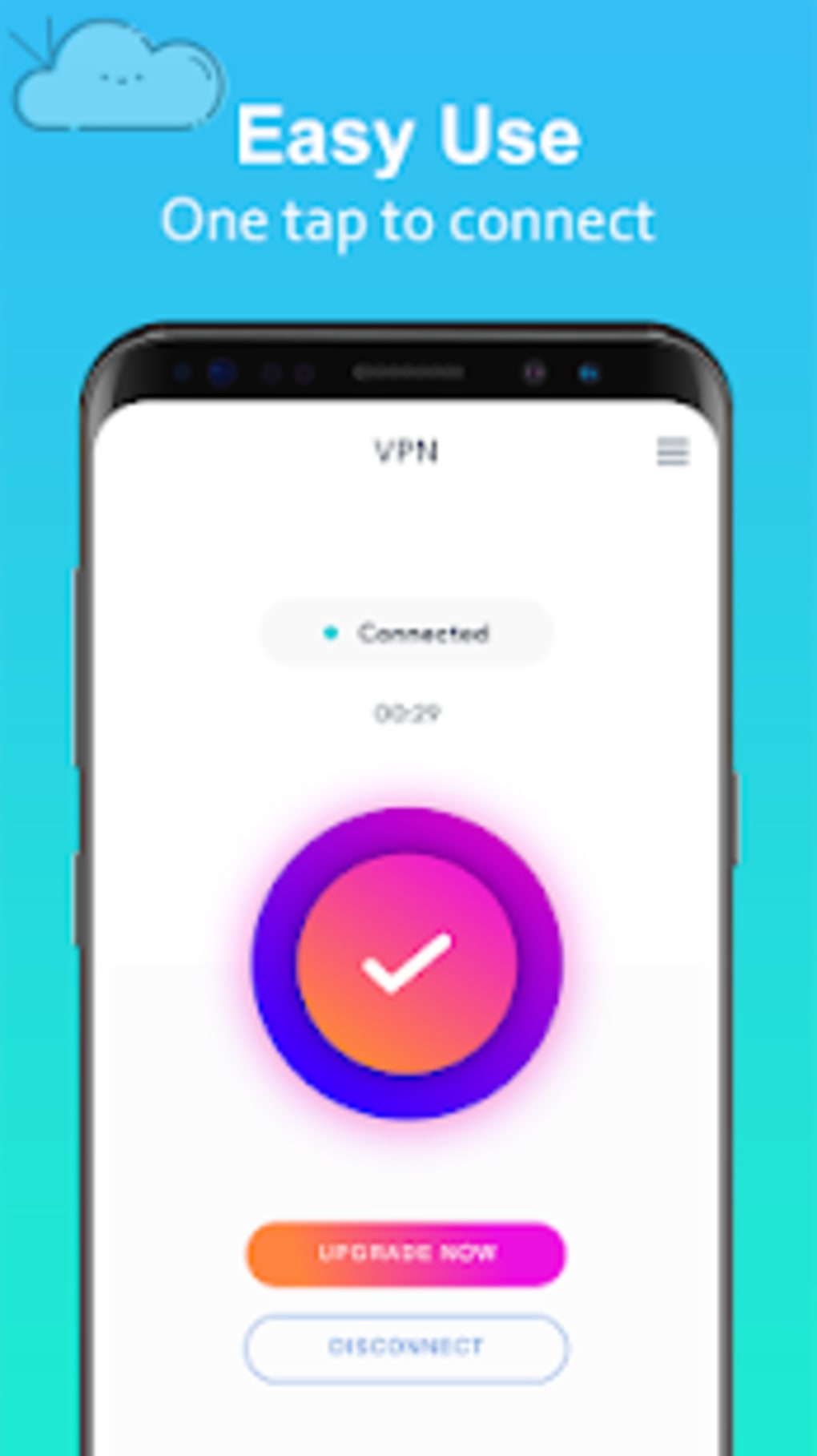
The user interface of Free VPN Proxy appears to prioritize simplicity and accessibility. Navigation is likely streamlined, allowing users to select a server location and initiate a connection with minimal steps. The layout probably includes a central status indicator, a list of available regions, and a toggle switch for enabling or disabling the VPN. This design supports quick onboarding and efficient workflow execution for users unfamiliar with technical networking tools.
Workflow efficiency depends on the responsiveness of the connection setup and the clarity of status feedback. Since the software operates without login or account creation, the user experience is designed to be frictionless. However, exact performance details were not specified by the developer. Performance observations are based on general software behavior patterns. Users may experience variable speeds depending on server load, distance from the selected location, and network conditions.
The developer did not specify resource usage details such as CPU or RAM consumption. Stability and long-term reliability were also not addressed in the release documentation. Users should expect typical behavior for lightweight network utilities, but real-world performance may vary across different hardware configurations. No reported crashes or bugs were mentioned in the official release notes.
Compatibility & System Requirements
Free VPN Proxy is compatible with Windows, Mac, Android, and iOS operating systems. The software version is 2.0.5, and the installation size is 100MB. This suggests a lightweight footprint suitable for most modern devices. The developer did not provide detailed hardware requirements, such as minimum RAM, processor speed, or disk space beyond the total file size.
Exact system requirements were not listed. Compatibility information was partially provided. Users are advised to ensure their device meets standard operating system standards for the listed platforms. For example, Windows users should have a supported version of the OS, and Mac users should be running a compatible macOS release. No specific mention was made of support for older or legacy systems.
Pros and Cons
Pros
- Free to use with no subscription required
- Unlimited bandwidth for unrestricted data usage
- Access to over 5,000 servers across 20+ global regions
- No registration or login needed for immediate use
- Designed to bypass firewalls and regional blocks
- Supports multiple platforms including desktop and mobile
- Claims to not log user activity for enhanced privacy
Cons
- Performance details such as speed or latency were not disclosed
- Resource usage (CPU/RAM) was not specified
- Exact encryption protocols were not mentioned
- May experience slower speeds during peak usage
- Limited transparency regarding server infrastructure
- No official support channels or user documentation provided
FAQ Section
Is Free VPN Proxy safe to use?
The software claims to provide a secure connection and does not log user activity. However, no independent security audit or third-party verification was mentioned. Users should exercise caution when transmitting sensitive data.
Can I use Free VPN Proxy on multiple devices?
Yes, the application is available for Windows, Mac, Android, and iOS. Users can install it on multiple compatible devices using the same account or without an account at all.
Does Free VPN Proxy require a login?
No, the app does not require registration or login. Users can start using it immediately after installation.
Is the connection speed reliable?
Speed performance was not specified by the developer. Actual connection speeds may vary based on server load, geographic distance, and network conditions.
Can I use Free VPN Proxy offline?
Once connected, the VPN operates while the device is online. The app requires an active internet connection to function and cannot be used offline.
Final Thoughts
Free VPN Proxy presents a straightforward solution for users seeking anonymous browsing and unrestricted access to online content. Its key strengths lie in its no-login policy, unlimited bandwidth, and broad server network. While it lacks detailed technical disclosures, the software delivers core functionality expected from a modern VPN tool. It is particularly well-suited for casual users, students, and individuals in regions with restrictive internet policies who need quick, easy access to blocked websites.
However, the absence of performance data, encryption details, and official support may deter more security-conscious users. For those prioritizing simplicity and immediate access over advanced features, Free VPN Proxy offers a viable option. The free pricing model makes it accessible to a wide audience, though users should remain aware of potential limitations in speed and transparency.
Download Free VPN Proxy now





.png)

